Keycloak
A service called Keycloak manages logins for my services. Each service is registered to verify who you are and what you can access. There is a one time process to setup your account, explained below.
To give you access, I make a user for you with your email address and a temp password changeme. When you try to access a service, you’ll be redirected to Keycloak to log in.
In this article, you’ll login for the first time and set your own password. If you use a Google account, you can also link that. This process should take less than 5 minutes.
First time login
At the top right of this page, click the “Services” link to reach the login screen. There are two paths from here:
- If you use a Google account, sign in with Google and link it
- Otherwise, skip to logging in with your temp password
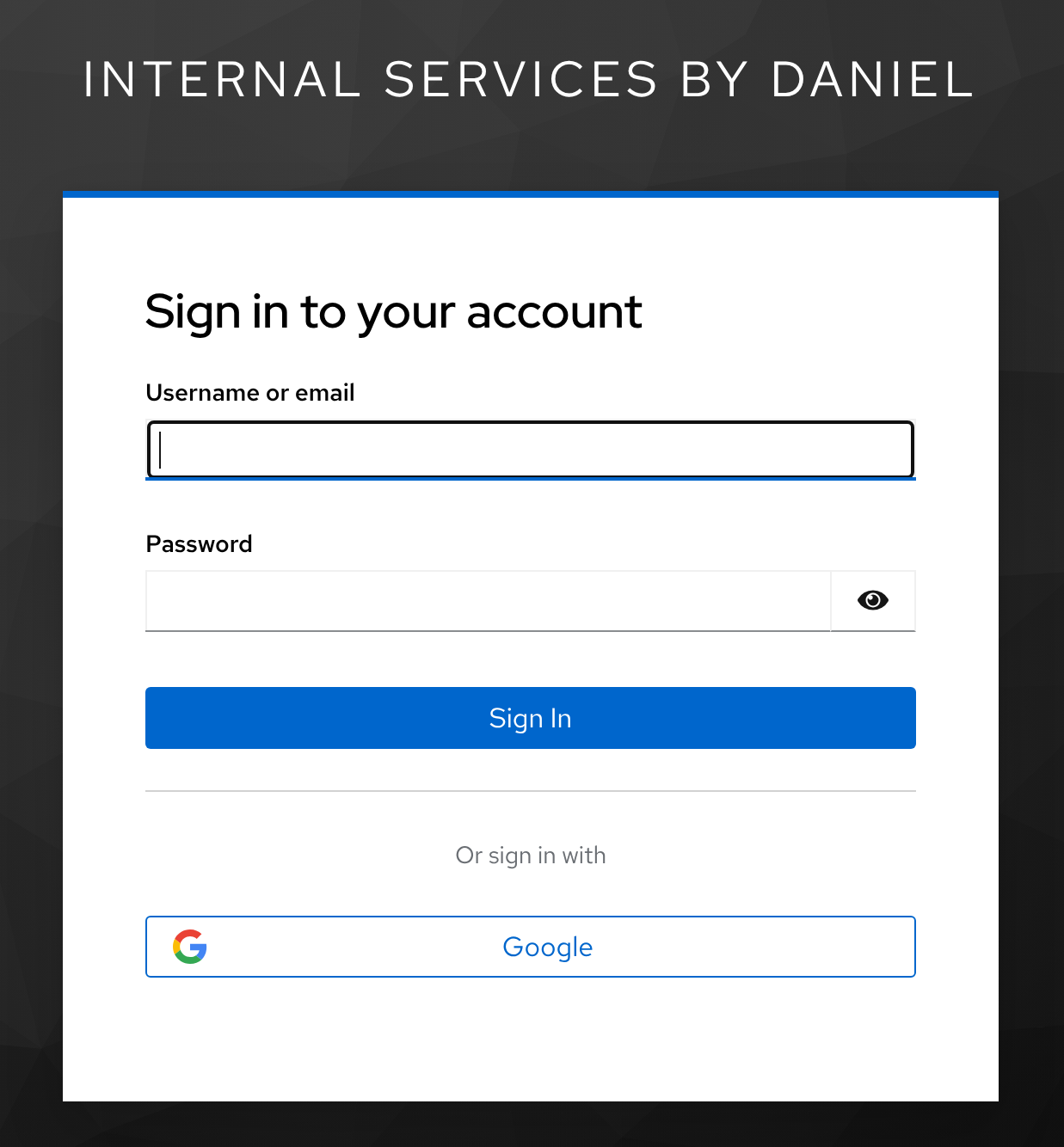
Linking a Google account
After you login to Google (or if you already were) Keycloak will ask you to link your Google account with the one I created. This doesn’t give me access to your account, you are just confirming “this is my Google account I want tied to my user in Daniel’s system.”
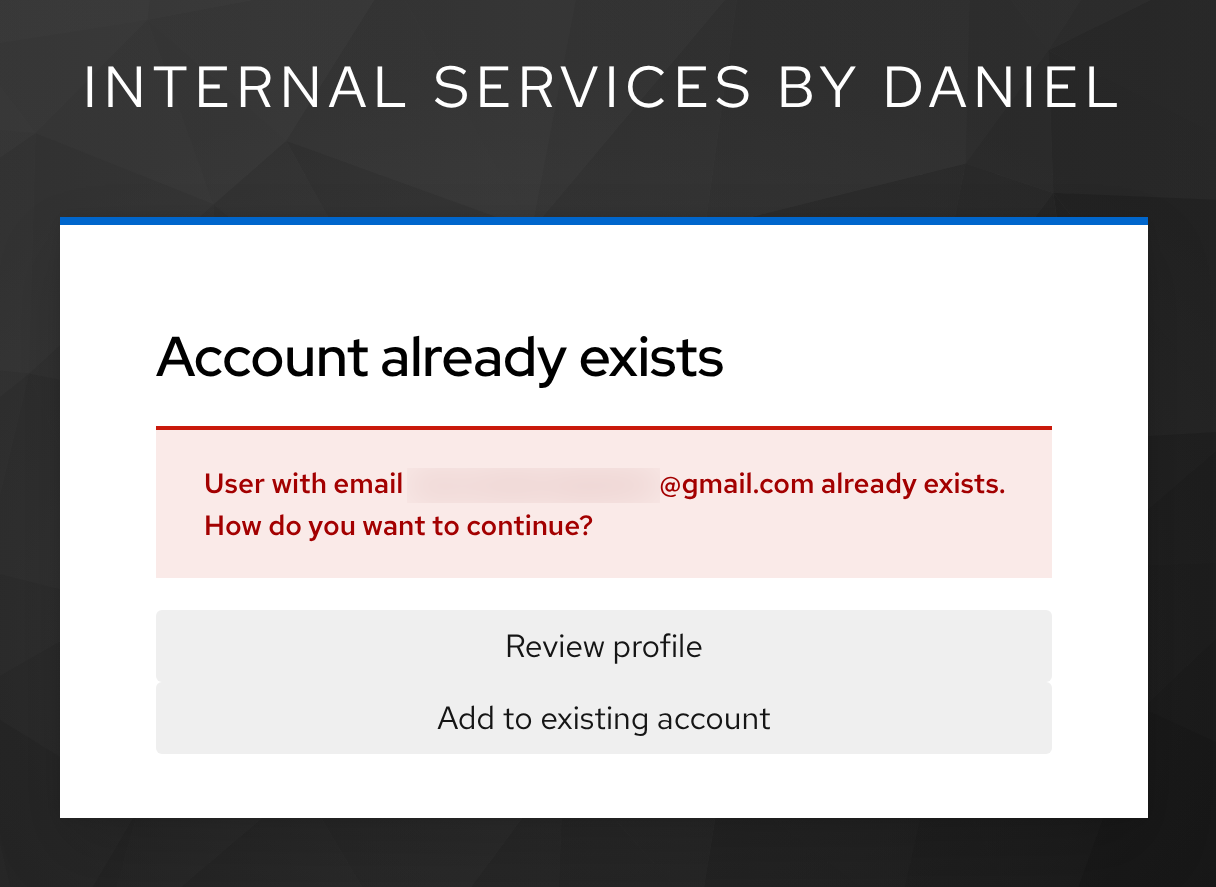
Just click “Add to existing account” to proceed.
Logging in
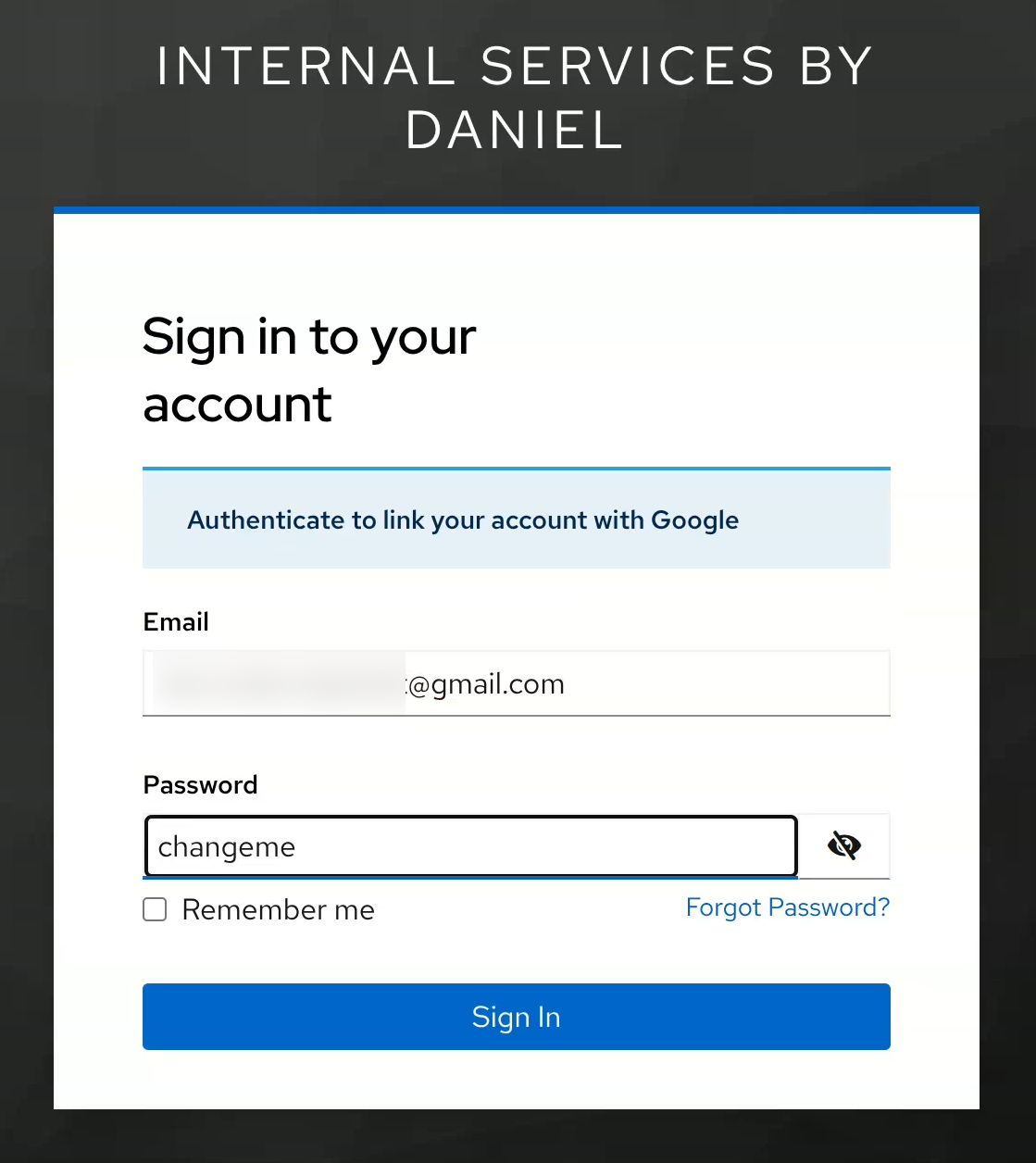
Now you need to sign in to the Keycloak account I made for you. Enter the email you gave me and the temp password I gave you (usually changeme). Once logged in, you’ll set your own password.
Set a password
For many services you can login using your Google account. Some don’t support passwordless login methods like that. Here you are setting a password to be used for those things, like Jellyfin:
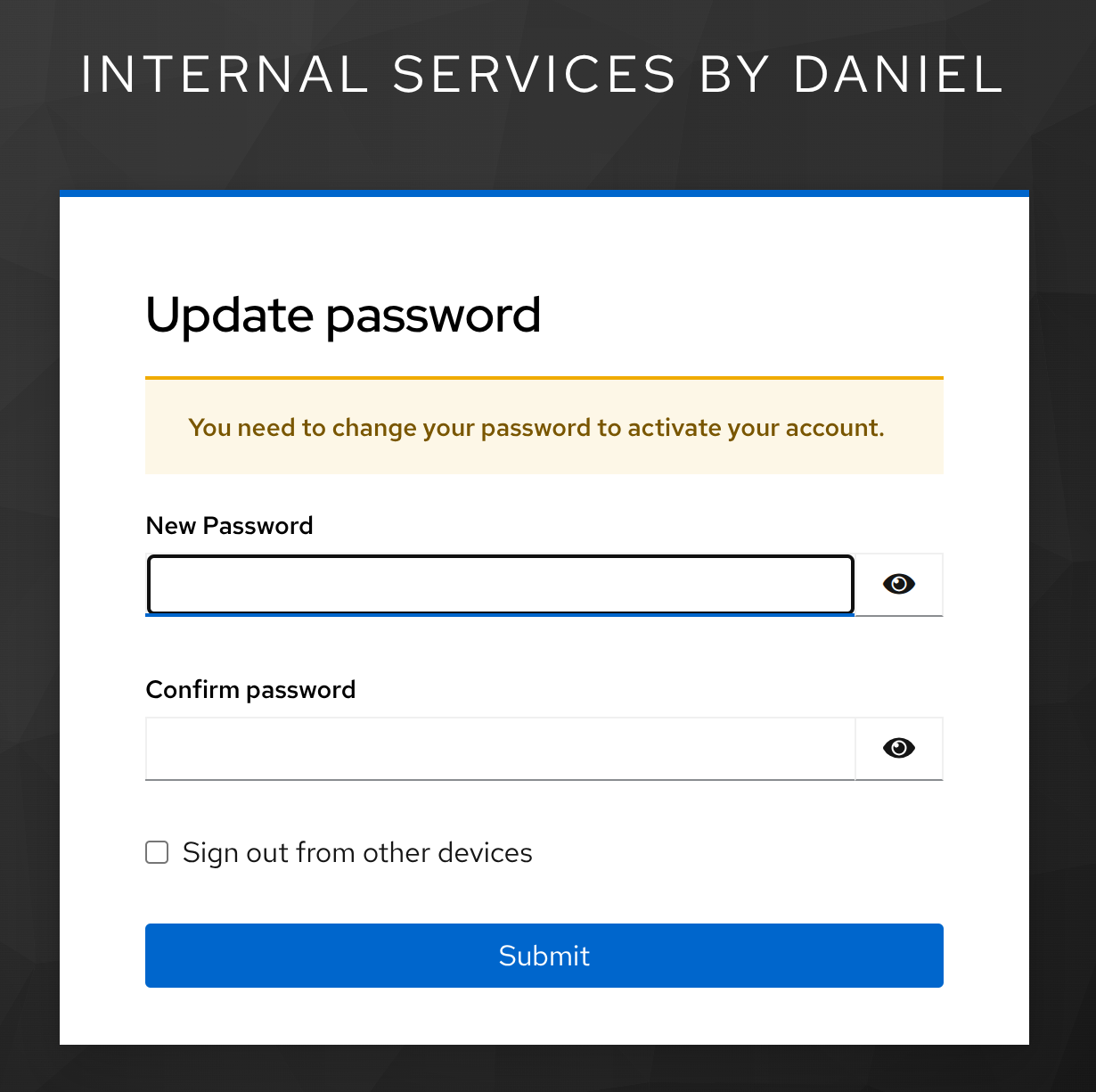
If you forget the password, you can do a password reset.
Set your profile info
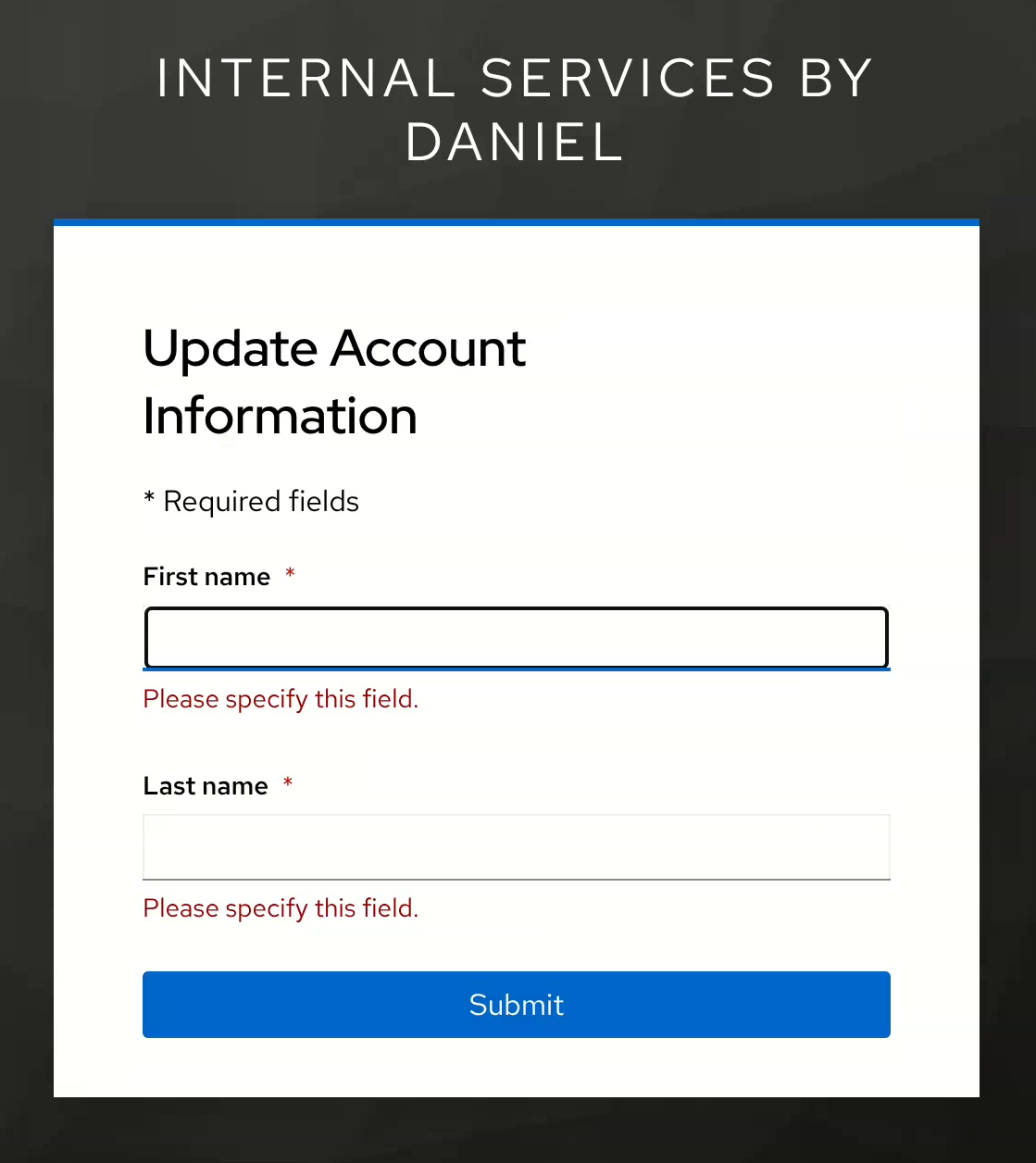
Some services use your profile’s first and last name in various places. This final screen is for you to fill in that info. If you used a Google account to login, this will be filled based on your Google profile.
Conclusion
At this point, you should have an account in my login system tied to your email using a password only you know. If you linked a Google account, that is now tied to your account in my system.
You now should be able to access whatever resources I’ve given you access to like Jellyfin, the AI dashboard, IPTV stuff, or the photo album & backups app. You can proceed to one of those services now and login using your Google account or the email and password you just setup.
Reach out to me if you forgot or need the link to something.